


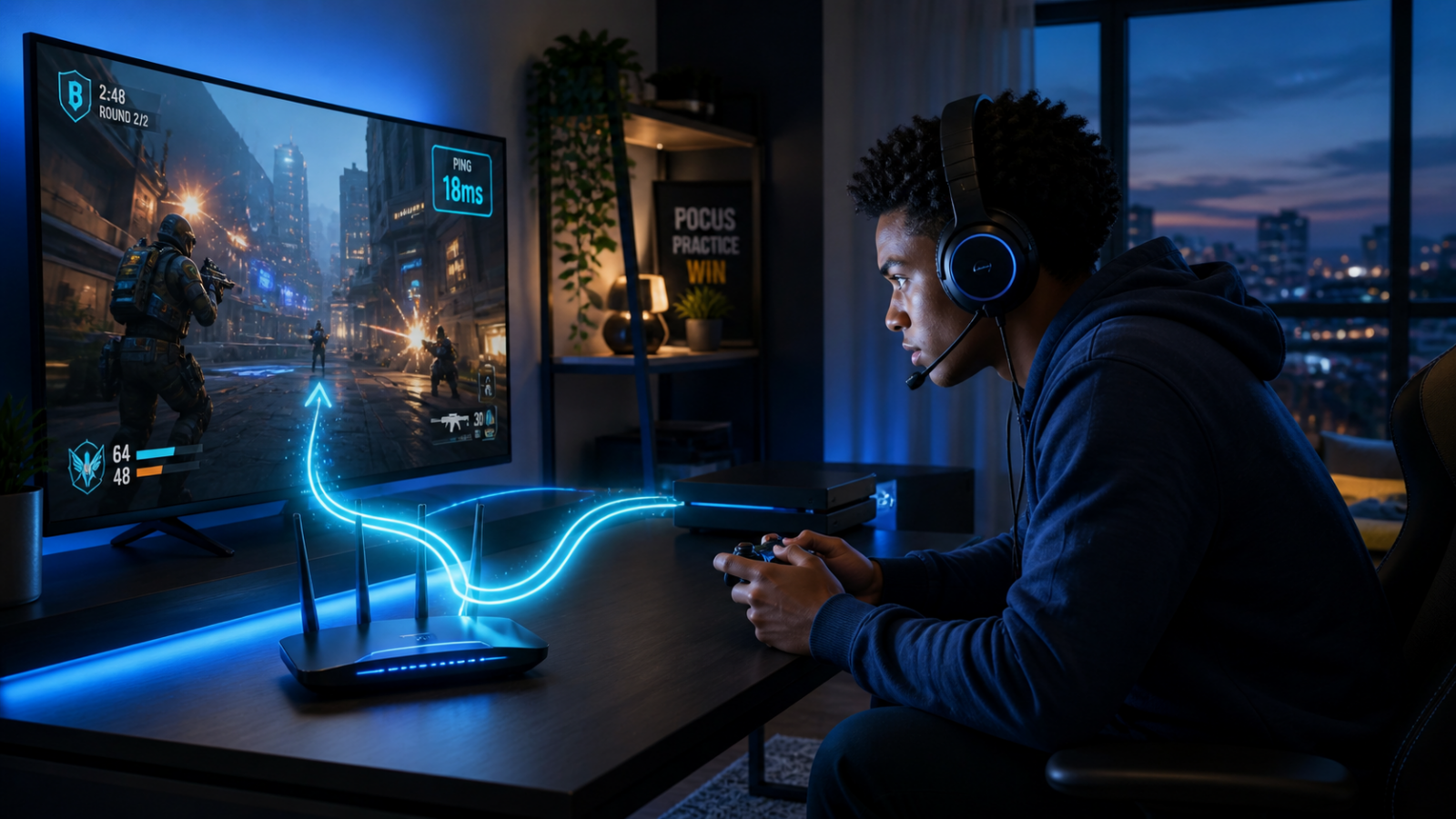
Online gaming does not actually need blazing download speeds, but it absolutely needs a stable, low-latency connection. Most South African gamers obsess over download speed when they should be worrying about ping, jitter, and whether their connection can keep up when it counts. This guide breaks down what speed you need for gaming in South Africa, why fibre is usually the better fit than LTE for most fixed home gaming setups, and what to look for in a gaming-friendly connection.
Key Takeaway: Most online games only need 3-5 Mbps download. What actually matters for gaming is ping (latency), jitter, and connection stability. For most fixed home setups, fibre is usually the best connection type for gaming because it offers lower latency and more consistent performance than mobile-based alternatives.
Who This Guide Is For
This guide is for you if:
- You are a gamer in South Africa trying to figure out which fibre speed actually matters for online play
- You are tired of lag spikes and rubber-banding on LTE or a slow fibre connection and want to fix it properly
- You want to know the real minimum speeds for games like Fortnite, Call of Duty, Apex Legends, and FIFA
- You are thinking about streaming on Twitch or YouTube and need to know what upload speed you will need
- You are a parent trying to understand why your kid insists that faster internet will make them a better gamer (spoiler: they are partly right)
Whether you are in Joburg, Cape Town, Durban, or anywhere else on the Vuma Reach network, this guide will help you pick the right fibre package for your gaming setup.
The Truth About Gaming and Internet Speed
Here is something that surprises most people: online gaming uses very little bandwidth. A typical multiplayer session, whether it is Fortnite, Call of Duty, Apex Legends, or Valorant, uses between 30 MB and 120 MB of data per hour. That is less than streaming a single episode on Netflix in SD.
So why does your connection feel so important when you are gaming? Because gaming cares about how fast your data gets there, not how much data you can move. That is the difference between bandwidth (speed) and latency (ping). And understanding that difference is the key to choosing the right fibre package.
Minimum Speeds Per Game: What You Actually Need
Here is what popular online games actually require in terms of raw internet speed:
| Game | Min Download | Min Upload | Recommended Ping | Data Per Hour |
|---|---|---|---|---|
| Fortnite | 3 Mbps | 1 Mbps | Under 50 ms | ~100 MB |
| Call of Duty: Warzone | 5 Mbps | 2 Mbps | Under 60 ms | ~80-120 MB |
| Apex Legends | 3 Mbps | 1 Mbps | Under 50 ms | ~60-90 MB |
| FIFA / EA FC | 3 Mbps | 1 Mbps | Under 40 ms | ~30-50 MB |
| Valorant | 3 Mbps | 1.5 Mbps | Under 40 ms | ~50-70 MB |
| Rocket League | 3 Mbps | 1 Mbps | Under 50 ms | ~40-60 MB |
| League of Legends | 3 Mbps | 1 Mbps | Under 60 ms | ~30-50 MB |
| Counter-Strike 2 | 3 Mbps | 1.5 Mbps | Under 40 ms | ~80-120 MB |
| Minecraft (multiplayer) | 3 Mbps | 1 Mbps | Under 100 ms | ~40-80 MB |
| GTA Online | 5 Mbps | 2 Mbps | Under 60 ms | ~60-100 MB |
Look at those numbers. Not a single game on that list needs more than 5 Mbps download to run. Even a basic 20 Mbps fibre line has more than enough raw speed for online gaming.
So why would you need anything faster? Two reasons: you are not just gaming, and game downloads are massive.
Your gaming session might only use 3 Mbps, but if someone else in the house is streaming 4K on Netflix (25 Mbps), another person is on a video call (5 Mbps), and your console is downloading a 90 GB update in the background, that 20 Mbps line is way past its limit. You need enough total bandwidth to cover everything happening on your network simultaneously, not just the game itself.
And then there are the updates. Modern games do not mess around with file sizes. Call of Duty: Modern Warfare sits at around 100 GB. GTA V is pushing 95 GB. A single Fortnite season update can be 20-30 GB. On a 25 Mbps connection, a 50 GB download takes nearly five hours. On 100 Mbps, that same download finishes in about 70 minutes. On 200 Mbps, just over half an hour.
Why Ping Matters More Than Download Speed
If there is one thing you take away from this guide, let it be this: ping is the single most important number for online gaming. Not download speed. Not upload speed. Ping.
Ping (measured in milliseconds) is the time it takes for a tiny piece of data to travel from your device to the game server and back. When you press the fire button in Warzone, your input travels to the server, gets processed, and the result comes back to your screen. The lower your ping, the faster that round trip happens.
Here is what different ping values feel like in practice:
| Ping | What It Feels Like |
|---|---|
| Under 20 ms | Virtually instant. You are playing at full advantage. Every input registers immediately. |
| 20-50 ms | Smooth and responsive. You will not notice any delay. |
| 50-80 ms | Decent. Playable, but competitive players will feel the difference in fast-paced shooters. |
| 80-120 ms | Noticeable. Enemies seem to move slightly ahead of where they should be. Peeker’s advantage goes against you. |
| Over 120 ms | Painful. Rubber-banding, teleporting players, dying behind walls. This is where rage-quitting lives. |
On fibre in South Africa, you will typically see ping between 5 ms and 30 ms to local servers, and that is with a good ISP. On LTE, you are looking at 30 ms to 80 ms on a good day, with spikes well into triple digits during peak hours.
The thing about ping is that download speed barely affects it. You could have a 200 Mbps line with 100 ms ping and a 25 Mbps line with 10 ms ping, and the 25 Mbps line would give you a better gaming experience every single time. Ping is determined by the quality and directness of your connection route, not by how much bandwidth you have.
That said, having enough bandwidth matters. If your total connection is saturated (everyone streaming and downloading at the same time) your ping will spike because packets queue up waiting for bandwidth. That is where a faster line gives you headroom. On a 100 Mbps symmetrical connection, one gaming session barely registers as a blip on the network, so your ping stays low even when the household is busy.
Upload Speed: Why It Matters for Streaming
If you are not just playing games but also streaming them on Twitch or YouTube, upload speed suddenly becomes the star of the show.
When you stream, your PC is constantly uploading video and audio to Twitch or YouTube’s servers in real time. The quality of your stream, and whether your viewers see a smooth picture or a pixelated mess, depends almost entirely on your upload speed.
Here is what you need for different stream qualities:
| Stream Quality | Required Upload Speed | What Viewers See |
|---|---|---|
| 720p at 30fps | 3-4 Mbps | Watchable. Fine for starting out. |
| 720p at 60fps | 4-5 Mbps | Smooth. Good for fast-paced games. |
| 1080p at 30fps | 5-6 Mbps | Clean and clear. Standard for most streamers. |
| 1080p at 60fps | 7-10 Mbps | Professional quality. This is where most serious streamers aim. |
| 1440p at 60fps | 12-15 Mbps | High-end. Looks incredible if your hardware can handle it. |
Remember, that upload speed is just for streaming. You also need upload bandwidth for the game itself (1-2 Mbps), for your Discord voice chat, and for anything else happening on the network.
With an asymmetric package like 50/25 Mbps, you can comfortably stream at 1080p/60fps and have upload bandwidth to spare. But if you are on a 50/10 Mbps package, that 10 Mbps upload is cutting it uncomfortably close once you factor in the game and Discord.
This is exactly why symmetrical packages make a real difference for streamers. On the Infini-fi Elevated Connection at 100/100 Mbps, you have 100 Mbps upload, enough to stream at 1080p/60fps without even noticing it on the network. You could stream, game, have Discord running, and someone else in the house could be on a video call, and you would still have upload headroom.
Why Fibre Beats LTE for Gaming: Every Time
Let us spell it out clearly, because the difference between fibre and LTE for gaming is not subtle.
Consistent Ping vs Ping Roulette
Fibre gives you a dedicated physical line with consistent, low latency. Your ping at 3 PM is the same as your ping at 8 PM. LTE sends your data through the air to a shared tower, where it competes with every other device in your area. During peak hours, your ping can double or triple without warning. In a competitive match, a sudden spike from 40 ms to 150 ms is the difference between clutching the round and spectating.
No Tower Congestion
LTE tower bandwidth is finite and shared. When everyone in your suburb comes home and goes online, the tower gets hammered. Fibre does not care. Your line is your line, and nobody else’s activity affects your connection quality.
Jitter Control
Jitter is the variation in your ping over time. A consistent 30 ms ping is far better than a ping that jumps between 20 ms and 90 ms, even if the average is the same. Fibre delivers rock-solid jitter figures. LTE is inherently jittery because wireless signals are affected by interference, distance, and congestion. Games with fast-paced movement (shooters, racing, fighting games) suffer massively from high jitter.
Packet Loss
When your connection drops a data packet, the game either has to guess what happened or wait for a retransmission. That causes teleporting, rubber-banding, and actions not registering. LTE connections are significantly more prone to packet loss than fibre, especially during congestion. Fibre’s physical connection means packets travel a protected, predictable path. Packet loss is virtually non-existent.
Bottom line: LTE might technically have enough bandwidth for gaming, but it cannot deliver the consistency that competitive gaming demands. Every serious gamer in SA should be on fibre.
The Infini-fi Peering Advantage
Here is something that separates Infini-fi from other ISPs, and it makes a real difference for gamers.
Infini-fi operates on the Vuma Reach network, part of the Maziv Group infrastructure. Through Maziv, Infini-fi benefits from direct peering arrangements with some of the biggest content and platform providers in the world, including Netflix, Google, and Meta.
What does peering mean in plain English? Instead of your data taking the long way around (hopping through multiple networks and international exchanges to reach its destination) peering creates direct connections between networks. It is like the difference between driving through the city centre during rush hour versus taking a direct highway.
For gamers, this matters because:
- Google peering means faster connections to YouTube (for watching and streaming), Google Cloud servers (which host game backends for numerous titles), and Google’s wider infrastructure
- Meta peering means better performance on Instagram, WhatsApp, and Facebook, but also on any gaming or social platform that runs on Meta’s infrastructure
- Netflix peering through Netflix Open Connect means your housemates can stream 4K without clogging up the international bandwidth that your game needs, because Netflix content is served locally within the network
The result is lower latency, fewer hops, and a more direct path for your gaming traffic. Combined with fibre’s inherent consistency, Infini-fi’s peering gives you a genuine performance advantage that most gamers do not even realise they are missing on other ISPs.
5 Things to Remember
- Ping matters more than download speed for gaming. A stable 10 ms connection on 25 Mbps will outperform an unstable 80 ms connection on 200 Mbps every time.
- Fibre beats LTE for gaming in every way that counts. Lower latency, zero tower congestion, minimal jitter, and virtually no packet loss. There is no contest.
- Upload speed is critical if you stream. You need at least 6-10 Mbps upload for a quality 1080p/60fps Twitch stream, plus bandwidth for the game itself. Symmetrical packages are the way to go.
- Infini-fi’s peering with Netflix, Google, and Meta means your data takes the most direct route possible, reducing latency and freeing up bandwidth for gaming while the rest of the household streams and browses.
- The Elevated Connection (100/100 Mbps) is the sweet spot for gamers. Fast enough for everything, symmetrical for streaming, and enough headroom that nobody in the house has to compromise.
Frequently Asked Questions
1. Do I really need 100 Mbps just for gaming?
Not for the game itself. Most online games only need 3-5 Mbps. But you are probably not just gaming. When you factor in game downloads (which can be 50-100 GB), background updates, other people using the connection, and potentially streaming on Twitch or YouTube, that 100 Mbps makes a massive difference. It is not about what the game needs in isolation. It is about what your whole setup needs at the same time.
2. Why is my ping so high even though I have fast internet?
High ping with fast internet usually points to one of three things: your connection route to the game server is inefficient (too many hops), your connection is saturated by other traffic in your household, or you are on LTE where wireless congestion causes latency spikes. Switching to fibre with a quality ISP like Infini-fi, which has direct peering arrangements, addresses all three of these issues.
3. Can I stream on Twitch with a 50/25 Mbps package?
Ja, you can. A 1080p/60fps stream needs about 7-10 Mbps upload, and you have 25 Mbps to work with. That leaves room for the game, Discord, and general browsing. Where it gets tight is if other people in the household are also uploading (video calls, cloud backups, that sort of thing). If streaming is a regular thing for you, the 100/100 Mbps Elevated Connection gives you proper breathing room.
4. Does gaming use a lot of data?
The gaming itself uses very little, between 30 MB and 120 MB per hour depending on the game. Where the data adds up is in downloads and updates. A fresh install of Call of Duty is over 100 GB. Fortnite season updates can be 20-30 GB. If you game regularly, you will easily push hundreds of gigabytes per month just on updates and new installs. That is why unlimited, uncapped fibre is the way to go. You should not have to choose between downloading a game and having data left for the rest of the month.
5. Is there a difference between gaming on Wi-Fi and ethernet?
Absolutely. Wi-Fi adds latency, introduces jitter, and is susceptible to interference from walls, appliances, and other devices. For competitive gaming, plugging directly into your router with an ethernet cable can cut your ping by 5-15 ms and make your connection significantly more stable. If running a cable is not practical, at least make sure you are on the 5 GHz Wi-Fi band and as close to the router as possible.
6. What is the best ISP for gaming in South Africa?
You want an ISP with low latency, direct peering to major content networks, and genuinely uncapped data. Infini-fi ticks all those boxes, with fibre on the Maziv/Vuma Reach network, direct peering with Netflix, Google, and Meta, and every package being unlimited with no fair-usage throttling. The Elevated Connection at 100/100 Mbps is our top recommendation for gamers.
7. Will fibre help me connect to international game servers with lower ping?
Fibre will not change the physical distance to overseas servers, but it will make sure your data takes the most efficient route out of South Africa. With Infini-fi’s peering arrangements through Maziv, your traffic reaches international exchanges more directly, which typically means lower ping to overseas servers compared to ISPs with less optimised routing. For games with SA servers (like Apex Legends and Fortnite), you will see the biggest benefit. Pings well under 30 ms are standard on fibre.
8. Can I game and stream at the same time on the same connection?
Yes, with the right package. Gaming uses minimal bandwidth, but streaming adds a constant upload demand. On the Elevated Connection at 100/100 Mbps, you can comfortably game, stream at 1080p/60fps on Twitch, run Discord voice chat, and still have the rest of your household streaming and browsing without any issues. On a smaller package, you may need to close background applications and ask others to ease up on heavy usage while you are live.
What Kind of Fibre Package Makes Sense for Gaming?
For gaming, the best package depends less on headline download speed and more on whether your connection stays stable while the rest of the household is online. As a general guide, light gaming households can get by on lower speeds, while homes with multiple users, big downloads, streaming, and background updates benefit from more headroom and stronger upload performance.
If you are choosing a package mainly for gaming, compare the current options on our deals page and think about the full home setup, not just the game itself.
Related guides: Knowledge Hub, What Speed Do I Need?, Fibre vs LTE, How to Fix Slow Wi-Fi at Home, Deals.
Ready for the next step?
Find a deal that suits your lifestyle, or head back to the Knowledge Hub for more fibre help, FAQs and practical advice.